

Introduction
Email marketing remains one of the most cost-effective and measurable digital marketing strategies, but achieving success requires more than just sending messages—it demands precision, compliance, and smart automation. The right email marketing tool can mean the difference between a campaign that converts and one that lands in the dreaded spam folder. Key considerations span deliverability rates, segmentation capabilities, automation workflows, and adherence to regulations like the CAN-SPAM Act FTC guidance email marketing.
Many businesses struggle with cumbersome platforms that promise sleek automation but deliver clunky interfaces, slow rendering times, or confusing segmentation setups. Others face unexpected costs when scaling campaigns, only to discover their chosen tool lacks essential integrations with CRM systems or e-commerce platforms. This guide explores these challenges while offering practical insights to help marketers choose solutions that combine ease of use with deep functionality—tools that align with both business growth and regulatory demands like CAN-SPAM compliance.
—
Why Email Marketing Tools Matter for Modern Businesses
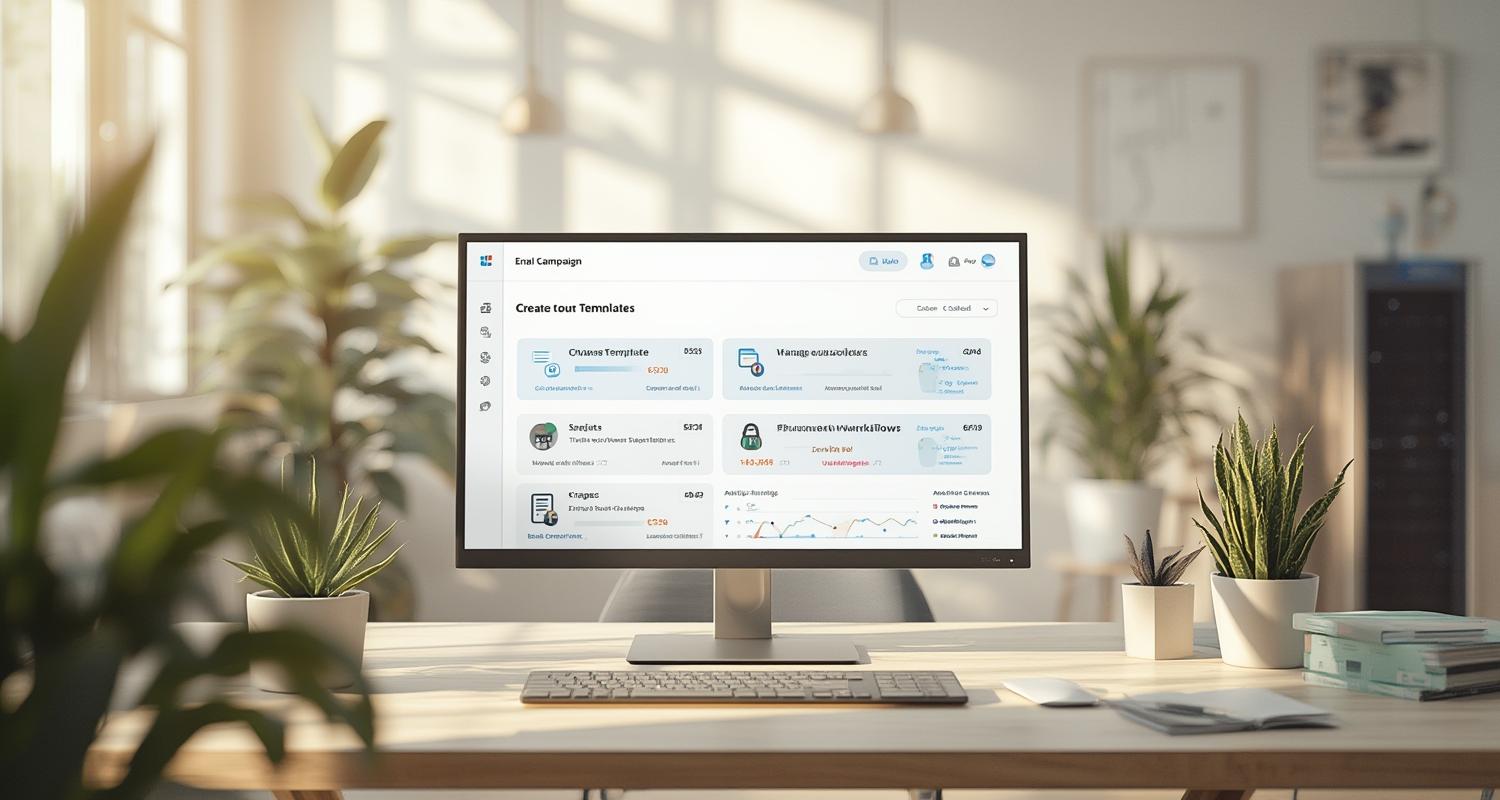
Email marketing isn’t just about blasting promotions; it’s a sophisticated channel for nurturing leads, retaining customers, and driving measurable ROI. The right platform helps businesses personalize content, automate workflows, and track performance metrics like open rates, click-through rates (CTR), and conversions. A tool like Mailchimp or ActiveCampaign, for instance, offers drag-and-drop editors and pre-built templates, but deeper capabilities—such as dynamic content blocks or predictive sending—separate advanced platforms from basic ones.
Deliverability is another make-or-break factor. Even if copywriting and design are flawless, emails that land in spam folders due to poor domain authentication or non-compliance with the CAN-SPAM Act FTC guidance email marketing can derail campaigns. For example, tools like Sendinblue provide built-in spam testing, while others require third-party add-ons. Compliance isn’t optional—businesses must include visible unsubscribe links and accurate sender information per CAN-SPAM compliance rules, or risk penalties.
—
Key Features to Evaluate in an Email Marketing Platform
Automation and Workflow Customization
Advanced automation transforms static campaigns into dynamic conversations. Platforms like HubSpot allow triggers based on user behavior—abandoned carts, page visits, or past purchases—but simpler tools may limit automation to basic drip campaigns. For example, a gourmet food brand could automate a 3-email series: a welcome message (Day 1), a recipe suggestion (Day 3), and a discount offer (Day 7), with branching logic if the subscriber clicks links.
Segmentation and Personalization
Personalized emails generate 6x higher transaction rates, but segmentation must go beyond first-name tokens. Tools like Klaviyo excel in behavioral segmentation, letting marketers target users based on browsing history or purchase frequency. A fitness app, for instance, could segment audiences into inactive users (sent re-engagement emails), beginners (educational content), and power users (upsell offers).
Deliverability and Compliance
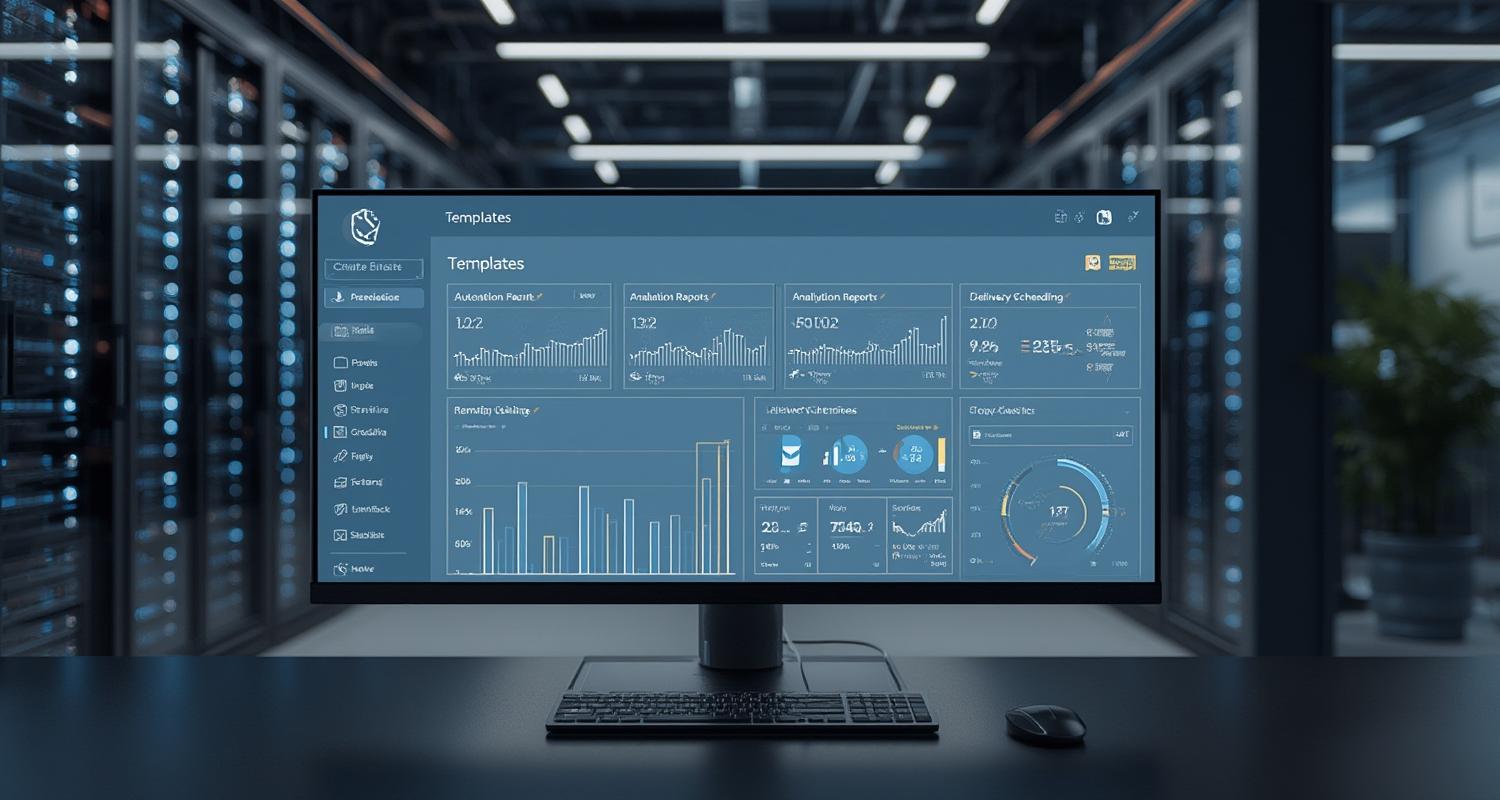
No feature matters if emails don’t reach inboxes. Look for tools offering domain authentication (SPF, DKIM, DMARC) and automatic compliance with the CAN-SPAM Act FTC guidance email marketing. Platforms like ConvertKit enforce double opt-ins and provide GDPR-compliant forms, reducing legal risks while boosting sender reputation.
—
Real-World Challenges and Solutions
Many businesses face “analysis paralysis” when comparing tools. For instance, a small Shopify store might prioritize seamless e-commerce integrations (like Omnisend’s cart recovery emails), while a B2B firm needs Salesforce syncs and lead scoring. Similarly, hidden costs—such as charges for unsubscribed contacts—can inflate budgets unexpectedly.
Solutions include trialing platforms (e.g., MailerLite’s free tier) or using comparison tables like the one below:
| Platform | Best For | Automation Depth | Compliance Tools |
|—————-|———————–|——————|————————————|
| ActiveCampaign | CRM integration | Advanced | Built-in CAN-SPAM compliance |
| GetResponse | Webinar promotions | Moderate | Spam testing tools |
| Brevo | Transactional emails | Basic | GDPR focus |
—
Conclusion
Choosing the right email marketing tool hinges on aligning features with business goals—whether it’s automating a sales funnel, ensuring CAN-SPAM Act FTC guidance email marketing adherence, or integrating with other tech stacks. Start by auditing must-have functionalities, then test platforms hands-on. Remember, the best tool balances power with usability, scalability, and unwavering compliance with regulations like CAN-SPAM compliance.

—
FAQs
What’s the most overlooked feature in email marketing tools?
Deliverability dashboards. Many users focus on design tools but neglect domain health metrics (spam complaints, bounce rates), which impact inbox placement.
How does CAN-SPAM compliance affect small businesses?
Non-compliance risks fines up to $50,120 per violation. Tools with built-in opt-out management and sender verification mitigate this.
Can I switch platforms without losing my subscriber list?
Yes, but ensure the new tool supports your list format (CSV, XLS) and honors prior opt-ins to maintain CAN-SPAM compliance.
Are free email marketing tools effective?
Limited. Free tiers (Mailchimp’s 500-contact cap) lack segmentation or automation, but they’re useful for testing before upgrading.
How do I improve open rates?
Segment lists, A/B test subject lines, and schedule sends based on recipient time zones—features offered by top-tier platforms.