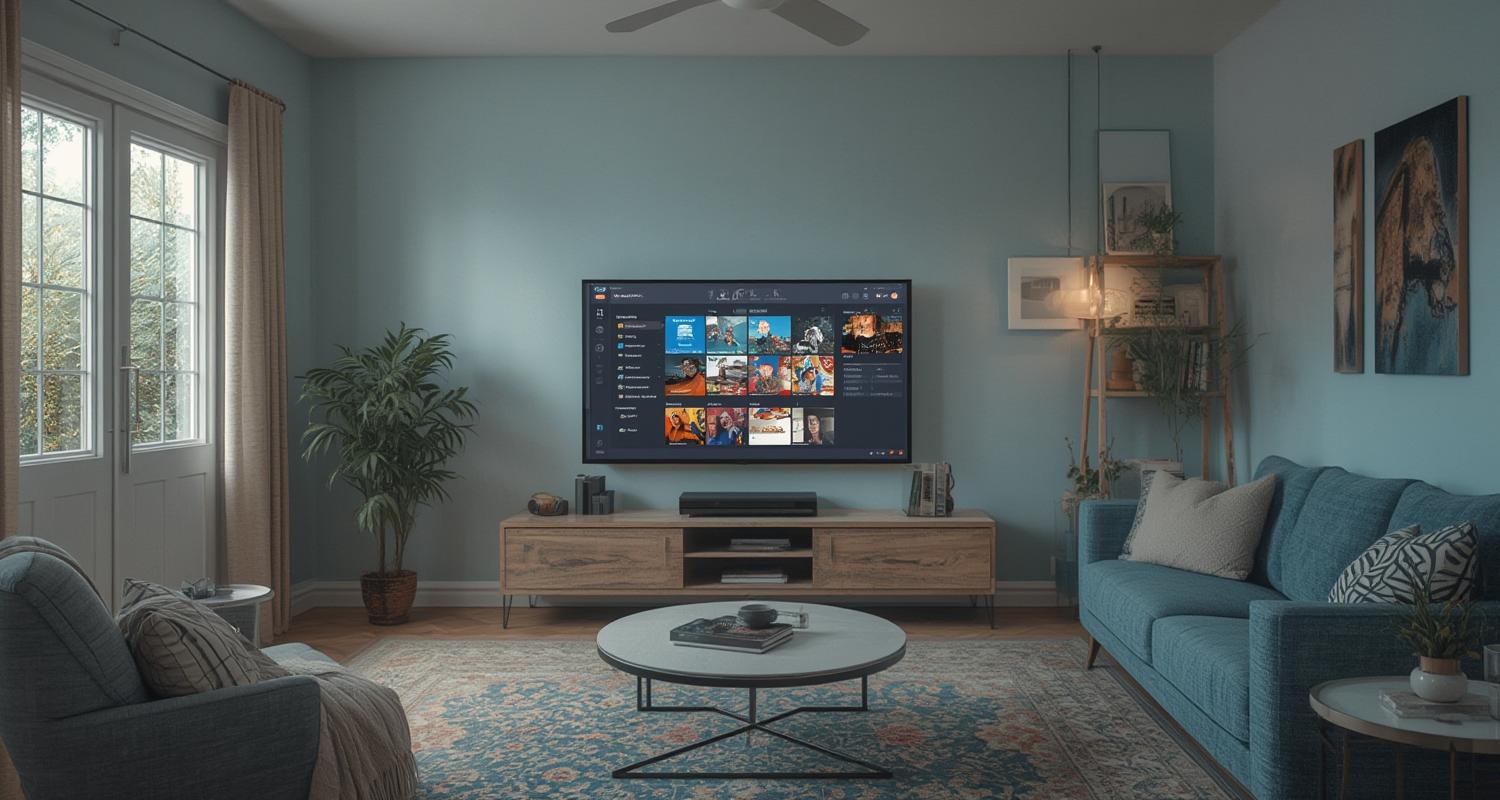
The rise of internet-powered television services has transformed how we consume entertainment, offering unprecedented flexibility compared to traditional cable or satellite subscriptions. IPTV (Internet Protocol Television) delivers live broadcasts, on-demand movies, and series directly through your internet connection, eliminating geographic limitations and expensive hardware. What makes modern IPTV particularly compelling is its compatibility with everyday devices – from smart TVs and streaming boxes to mobile phones and tablets. However, to fully leverage this technology, proper configuration plays a crucial role in ensuring smooth playback, consistent channel availability, and optimal video quality. Misconfigured setups often lead to frustrating buffering or authentication issues that undermine the viewing experience.

Understanding the Fundamentals of IPTV Technology
At its core, IPTV operates by transmitting television signals over internet protocols instead of traditional terrestrial, satellite, or cable formats. This method allows for more efficient bandwidth usage and enables interactive features impossible with conventional broadcasting. A typical IPTV system comprises three primary components: the content delivery network where media is hosted, the middleware that manages user access and electronic program guides, and the end-user application that decodes streams on your device. Unlike over-the-top (OTT) services like Netflix that rely on centralized servers, IPTV providers often use distributed networks to reduce latency during live events.
The technology supports multiple streaming formats including HLS (HTTP Live Streaming) and MPEG-DASH, which dynamically adjust quality based on your connection speed. Modern implementations also incorporate adaptive bitrate streaming, preventing interruptions when network conditions fluctuate. Understanding these protocols helps troubleshoot common playback issues, particularly when configuring advanced settings in players like VLC or Kodi. Another critical aspect involves recognizing the difference between legal IPTV services offering licensed content and unauthorized providers whose questionable reliability poses risks of sudden shutdowns mid-subscription.
Essential Requirements for Seamless IPTV Streaming
Before diving into configuration details, evaluating your hardware and network environment prevents headaches later. While IPTV works across numerous devices, performance varies significantly between a dedicated streaming box like the NVIDIA Shield and budget Android TV models with underpowered processors. For 4K content or multi-room viewing, a wired Ethernet connection proves far more stable than Wi-Fi, especially in homes with multiple connected devices competing for bandwidth. Internet speed constitutes another make-or-break factor – HD channels demand at least 15Mbps consistently, while UltraHD streams may require 25Mbps or higher during peak hours.
Operating system compatibility also warrants attention. Most providers deliver tailored APKs for Android alongside generic M3U playlist support, whereas iOS users often need third-party apps like GSE Smart IPTV due to App Store restrictions. Smart TVs from Samsung or LG usually feature proprietary app ecosystems requiring specific IPTV applications available through their respective stores. Additionally, investing in a reliable VPN becomes crucial for users accessing geo-restricted content or living in regions with aggressive ISP throttling of streaming traffic. These preparatory steps lay the groundwork for the actual
Configuring IPTV on Different Device Platforms
The installation procedure Willy vary substantially depending on whether you’re using a Firestick, Android TV box, or smart TV. For Android devices, the process typically begins with enabling installations from unknown sources in system settings, followed by downloading your provider’s APK file directly or through alternative app stores like Aptoide. After launching the application, authentication requires entering credentials or loading an M3U URL provided during subscription activation. Some serviceszier simplify this further with QR code scanning from a mobile device.
Apple TV and iOS require workarounds like TestFlight beta installations or using enterprise-signed applications when official App Store versions aren’t available. This fragmented landscape explains why following a comprehensive iptv installation guide tailored to your specific hardware prevents incompatibility errors. Meanwhile, Smart TV users might need to adjust DNS settings for certain services or navigate clunky remote-controlled keyboards to input lengthy portal addresses accurately. Enthusiasts preferring open-source solutions often configure Kodi with PVR IPTV Simple Client, offering unparalleled customization but demanding familiarity with add-on repositories and EPG source management.
Optimizing Network Settings for IPTV Performance
Beyond basic installation, optimizing your home network maximizes streaming reliability – particularly for households with simultaneous users. Quality of Service (QoS) prioritization in your router settings ensures IPTV traffic takes precedence over non-essential downloads or background updates. Adjusting buffer sizes within your player application can compensate for minor bandwidth fluctuations, with values between 5-10 seconds working well for most connections. Users experiencing pixelation during sports broadcasts should verify their client isn’t defaulting to overly aggressive compression; manually selecting higher bitrate streams often resolves this.
Wi-Fi considerations warrant special attention. Dual-band routers should dedicate the less congested 5GHz spectrum to streaming devices, reserving 2.4GHz for smart home gadgets. Some advanced setups benefit from creating a separate VLAN exclusively for IPTV traffic, isolating it from potential interference caused by other household internet activity. Testing different DNS providers like Google (8.8.8.8) or Cloudflare (1.1.1.1) sometimes improves connection routing to your provider’s servers, especially for international services bypassing poorly peered local networks.
Troubleshooting Common IPTV Playback Issues
Even meticulously configured systems occasionally encounter problems ranging from frozen screens to complete service outages. Initial diagnostics should verify whether issues persist across multiple devices, helping isolate whether the problem stems from your local setup or the provider’s infrastructure. Simple power cycling of both your streaming device and networking equipment resolves temporary glitches more often than users expect. When facing persistent buffering, tools like PingPlotter help identify whether latency spikes originate from your ISP or somewhere along the provider’s content delivery path.
Authentication failures frequently trace back to incorrect portal addresses or expired subscription credentials – double-checking these against the welcome email from your provider saves unnecessary frustration. Black screen occurrences with audio playback suggest codec incompatibilities, solvable by switching between software and hardware decoding modes in your player settings. Service-specific forums and Discord communities become invaluable resources when confronting niche errors, as collective knowledge often produces solutions faster than official support channels during peak incident periods.
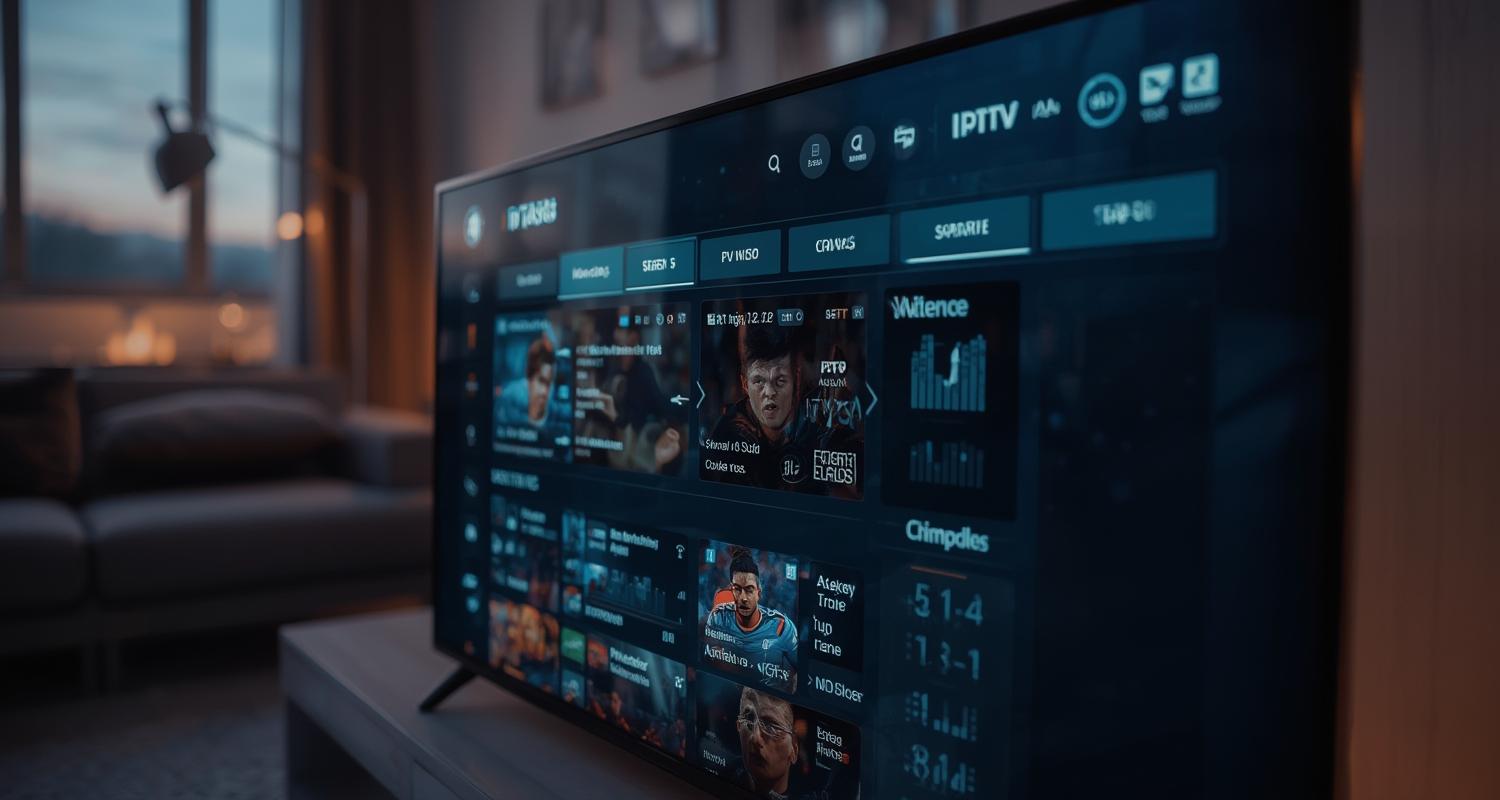
Conclusion: Building Your Ideal IPTV西门孛 Experience
Mastering IPTV implementation requires patience in navigating its technical nuances but rewards users with unparalleled viewing flexibility once properly configured KEY STEPSSUM Baidu.html” target=”_blank”>IPTV setup step by step is to verify all account credentials before routing configurations. With the foundation laid by this comprehensive IPTV installation guide
Frequently Asked Questions
Why does my IPTV keep buffering despite having fast internet?
Buffering issues often relate to bandwidth contention rather than raw speed. Other devices downloading updates or cloud backups can silently saturate your connection. Try enabling prioritize LAN traffic (QoS) in router settings, connecting via Ethernet instead of Wi-Fi, or scheduling heavy downloads overnight. Some providers offer bandwidth-testing tools to identify server-specific routes causing packet loss.
Can I use multiple devices with one IPTV subscription?
Service policies vary, with premium plans commonly allowing 2-5 simultaneous streams. Shared logins beyond licensed limits may trigger automatic termination. For household use, consider packages explicitly marketed as ‘multi-room’ rather than attempting to circumvent single-connection restrictions. Some broadcasters enforce device fingerprinting to detect account sharing이에요.
Are there legal risks with certain IPTV providers?
Legitimate services obtain redistribution rights from content owners and maintain proper licensing. Gray-market providers offering suspiciously cheap access to premium channels without contracts frequently face shutdowns mid-service. Warning signs include exclusively cryptocurrency payments, no company registration details, or promises of ‘every channel worldwide’ at implausibly low prices.
How often should I update my IPTV application?
Stable releases don’t require频繁 updates unless encountering new playback formats or security patches. Avoid beta versions unless specifically troubleshooting-known issues. Some providers push critical updates automatically, while others necessitate manual APK downloads from their support portals when major backend changes occur.
What’s the difference between IPTV and regular streaming services?
Unlike Netflix-style platforms focused exclusively on recorded content, IPTV specializes in live television transmission over IP networks. This includes real-time新闻 broadcasts, sports 와 with actual scheduling instead of pure on-demand libraries. Hybrid services blending both functionalities are becoming prevalent, particularly among telecommunication companies bundling internet with television packages.