
Introduction
The FIFA World Cup 2026 promises to be the most expansive and thrilling edition yet, spanning three host nations—USA, Canada, and Mexico—with matches held in iconic stadiums across 16 cities. For football fans worldwide, accessing reliable streams and broadcasts is crucial to enjoying every heart-stopping moment, whether it’s Lionel Messi’s final World Cup journey or a rising star’s breakout performance. With time zones varying across locations, live updates, and high-stakes knockout matches, knowing how to watch FIFA World Cup 2026 on smart TV ensures you don’t miss a second of the action. Whether through FIFA World Cup 2026 streaming services, traditional broadcasts, or innovative IPTV setups, this guide will help you navigate all viewing options with ease.
—
Official Broadcasters & Streaming Platforms
Navigating the vast array of broadcasting rights for the FIFA World Cup 2026 can feel overwhelming, especially with different networks covering regions like Europe, North America, and Asia. Below, we break down the key providers and how to access their services.
United States & Canada
Fox Sports (FS1, Fox) and Telemundo hold the English and Spanish broadcasting rights in the U.S., while TSN and CTV/RDS cover Canada. These networks will air live matches, pre-game analyses, and highlight reels. If you prefer streaming, platforms like FuboTV, Sling TV, and Peacock Premium offer packages that include these channels—perfect for cord-cutters who want flexibility.
Europe
In the UK, the BBC and ITV will share broadcasting duties, offering free-to-air coverage. Meanwhile, Germany’s ARD/ZDF and France’s TF1 will handle coverage in their respective countries. For broader European streaming, DAZN and Eurosport might provide additional in-depth match commentary and multi-screen options.
Rest of the World
Australia’s Optus Sport and MENA’s beIN Sports will ensure regional followers get uninterrupted access. Asian fans can rely on CCTV-5 (China) and Sony Sports Network (India) for localized commentary. If traveling abroad, geo-restrictions can be bypassed using VPNs like ExpressVPN or NordVPN—just ensure your subscription permits international streaming.
—
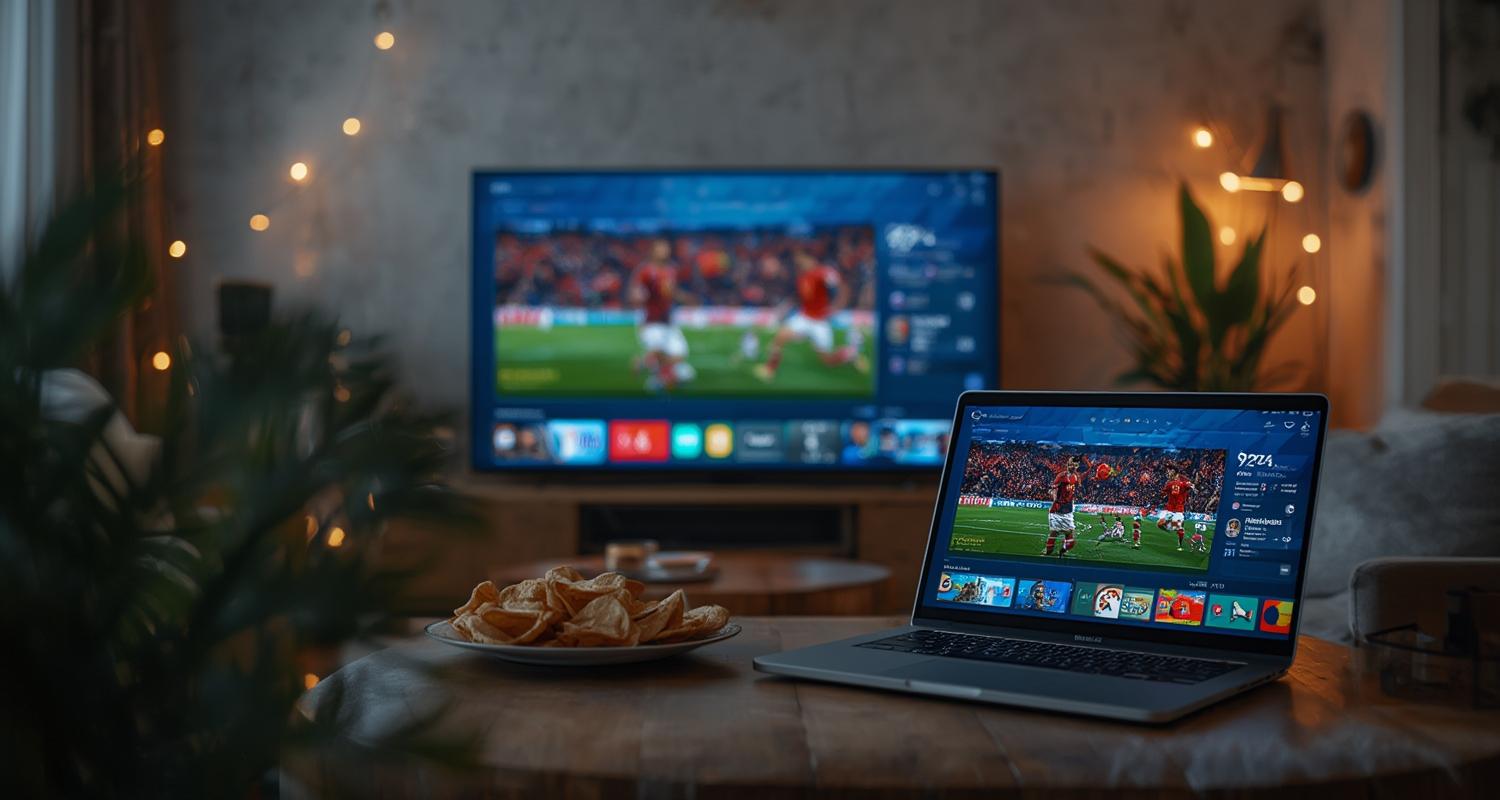
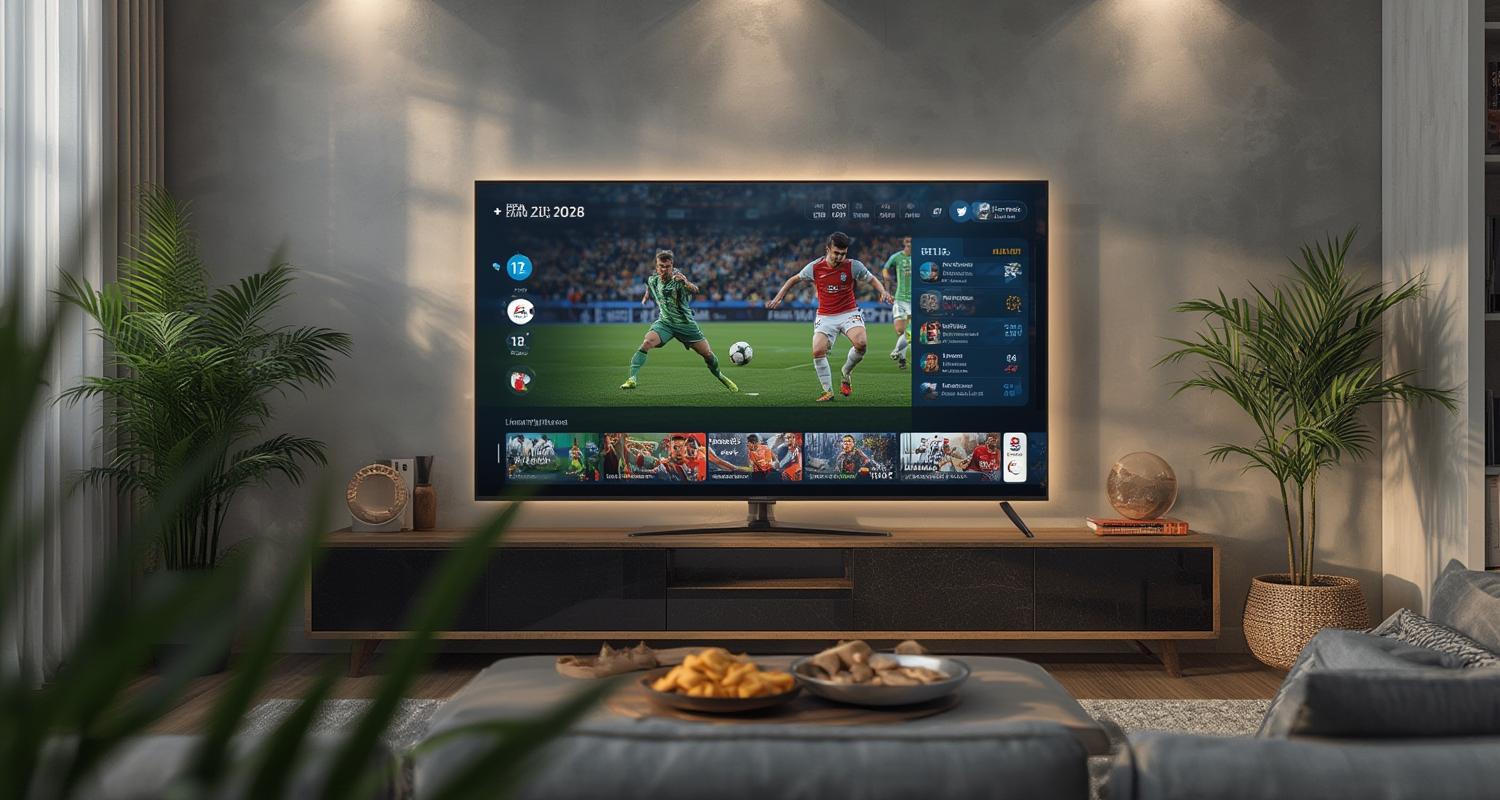
How to Watch FIFA World Cup 2026 on Smart TV
For an immersive experience, smart TVs provide the best way to enjoy the tournament from home. Here’s how to set it up seamlessly.
Dedicated Sports Apps
Most official broadcasters have apps downloadable via Google Play Store or Apple TV. Fox Sports, BBC iPlayer, and DAZN all support 4K HDR streaming where available, ensuring you get crisp, lag-free visuals. Simply log in with your cable or streaming service credentials to start watching.
Casting from Mobile/Tablet
If your Smart TV doesn’t support certain apps, screen mirroring (for Android) or AirPlay (for iOS) can project matches from your phone or tablet. This is particularly useful for unofficial streams or smaller broadcasters without native TV apps.
IPTV & Subscription Alternatives
For comprehensive access, IPTV providers offer bundled sports packages that include all World Cup matches. However, ensure they’re licensed to avoid unreliable buffering or sudden blackouts mid-game.
—
Free vs. Paid Streaming Options
While some fans prefer free broadcasts, paid services often provide superior quality, stability, and bonus features.
Benefits of Paid Streaming
– HD/4K resolution for clearer pitch details
– No ads during live play (common in free tiers)
– Multi-angle replays to analyze key moments
– Reliable uptime—paid services minimize lag and downtime
Where to Find Free Streams
Official free options include national broadcasters like BBC iPlayer (UK) and RTE (Ireland). Social media platforms like YouTube and Twitch occasionally feature highlights but rarely full matches due to copyright restrictions. Free streams can be tempting, but they often suffer from buffering and unreliable sources—especially during high-traffic moments like penalty shootouts.
—
VPN Workarounds for Geo-Blocked Matches
Football fans traveling abroad or seeking regional commentary can use VPNs to unlock matches otherwise restricted in their location.
Best VPNs for FIFA World Cup 2026
1. ExpressVPN – Fast speeds optimized for live sports
2. NordVPN – Strong geo-spoofing with dedicated NFL/EPL servers
3. Surfshark – Affordable with unlimited device connections
How to Set Up a VPN
– Install the VPN app on your Smart TV, router, or casting device
– Connect to a server in the broadcaster’s country (e.g., UK for BBC)
– Log into the streaming service and enjoy unrestricted access
—
Conclusion
The FIFA World Cup 2026 is set to break records, and with matches spread across three countries, knowing how to watch FIFA World Cup 2026 on smart TV ensures you won’t miss a match-worthy moment. Whether you opt for FIFA World Cup 2026 streaming via official broadcasters, IPTV, or VPN-enabled workarounds, preparation is key. From London’s pubs to New York’s fan zones, the 2026 edition promises global excitement—so equip yourself with the right tools and dive into football’s grandest spectacle.
—
FAQs
Will FIFA World Cup 2026 be available on free-to-air channels?
Yes! Countries like the UK (BBC/ITV) and Germany (ARD/ZDF) will air matches for free. However, knockout stages might require premium upgrades in some regions.
Can I stream matches in 4K?
Fox Sports (USA) and BBC iPlayer (UK) will likely offer 4K streams, but check your local provider’s compatibility. IPTV services often include UHD options too.
What if my local broadcaster isn’t covering a match?
Consider VPNs to access international streams or explore official FIFA streaming partnerships. Avoid unauthorized sites to prevent malware risks.
Are there bundle deals for World Cup streaming?
Many providers (e.g., FuboTV, DAZN) offer sports-focused packages. Compare prices and ensure they include all matchdays before subscribing.
How can I watch highlights if I miss a live match?
Official FIFA YouTube channels, sports networks, and apps like ESPN or OneFootball upload condensed highlights shortly after full-time.